





A Complete and In-Depth Explanation of the Error, Causes, and Resolution
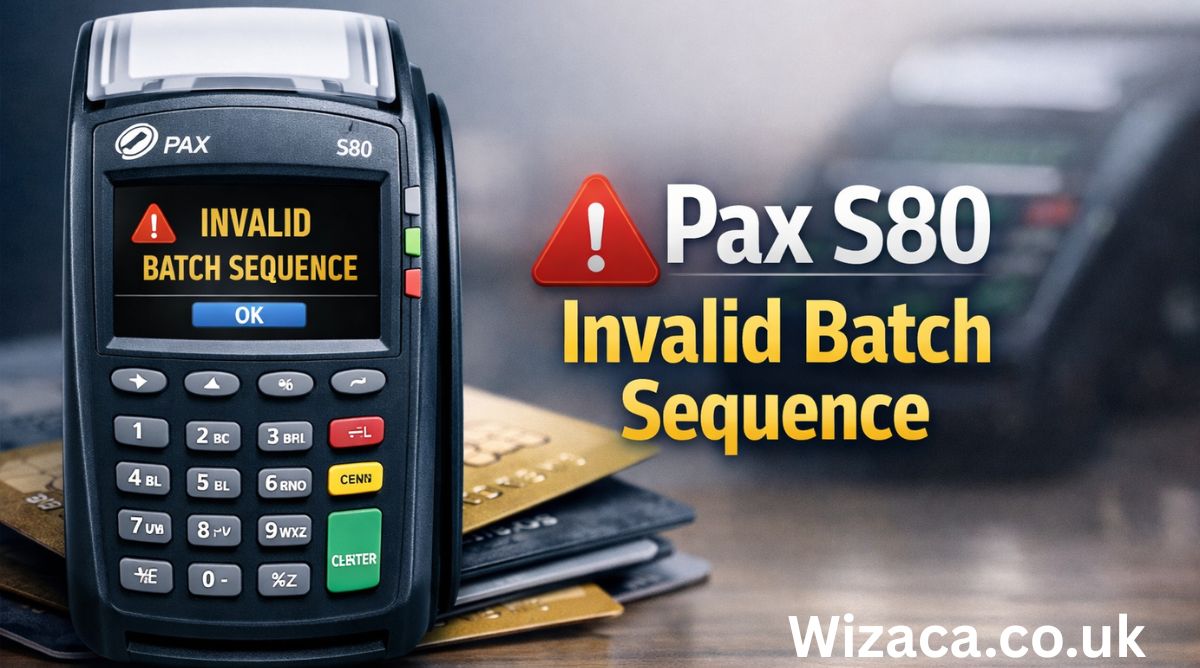
The Pax S80 is a widely used electronic payment terminal known for its reliability, security, and performance in retail, hospitality, and service industries. Despite its robust design, users may occasionally encounter technical errors that interrupt normal transaction processing. One such issue is the Pax S80 invalid batch sequence error. This error can be confusing for merchants and staff, particularly because it often appears without a clear explanation on the terminal screen.
The Pax S80 invalid batch sequence error, including what it means, why it occurs, how it affects transactions, and how it can be resolved or prevented.
Understanding the Pax S80 Payment Terminal
The Pax S80 is a countertop payment terminal designed to handle card-based transactions efficiently.
Key features include:
- Secure transaction processing
- Support for multiple payment types
- Batch transaction storage
- Reliable communication with payment processors
Batch management is a critical function of the terminal, and many errors, including invalid batch sequence, are related to this system.
What Is a Batch in a Payment Terminal
A batch refers to a group of transactions stored in the terminal before they are sent to the payment processor for settlement.
Important characteristics of batches include:
- Transactions are grouped chronologically
- Each batch has a unique identifier
- Batches must be closed and transmitted properly
The batch system ensures accurate record-keeping and settlement.
Meaning of the Invalid Batch Sequence Error
The invalid batch sequence error occurs when the terminal detects a mismatch or disruption in the expected order of batch processing.
This means:
- The terminal’s internal batch numbering is inconsistent
- A batch was not closed or settled correctly
- The terminal is attempting to process transactions out of sequence
The error prevents normal transaction processing until resolved.
Why Batch Sequence Integrity Is Important
Batch sequence integrity ensures accurate financial reconciliation.
It helps:
- Prevent duplicate settlements
- Avoid missing transactions
- Maintain accurate merchant records
Any disruption in batch sequence can affect payment accuracy and reporting.
Common Causes of the Pax S80 Invalid Batch Sequence Error
Several factors can lead to this error.
Common causes include:
- Power loss during batch settlement
- Communication failure with the payment processor
- Manual interruption of batch closing
- Software glitches or memory issues
- Terminal reboot during active processing
Understanding the cause is key to fixing the issue.
Power Interruptions and Their Impact
Sudden power loss is a frequent trigger.
When power is lost:
- The batch may not close properly
- Internal records may become misaligned
- The terminal may restart with incomplete data
This often leads to an invalid batch sequence error.
Network and Communication Failures
Payment terminals rely on stable communication.
Network issues can cause:
- Incomplete batch transmission
- Unconfirmed settlements
- Conflicting batch identifiers
When communication fails mid-process, the terminal may flag a sequence error.
Manual Errors During Batch Processing
Human error can also contribute.
Examples include:
- Turning off the terminal during settlement
- Canceling batch close operations
- Resetting the device incorrectly
These actions can disrupt batch order.
Software and Firmware Issues
Outdated or corrupted software may affect batch handling.
Potential issues include:
- Incorrect batch numbering logic
- Memory conflicts
- Failed system updates
Regular maintenance reduces these risks.
Effects of the Invalid Batch Sequence Error on Transactions
This error directly impacts transaction capability.
Possible effects include:
- Inability to process new payments
- Delayed settlements
- Inaccurate transaction reports
Merchants may be unable to accept card payments until resolved.
Financial and Operational Consequences
Operational disruptions can affect business.
Consequences may include:
- Customer dissatisfaction
- Delayed revenue settlement
- Manual reconciliation challenges
Prompt resolution minimizes these impacts.
Identifying the Error on the Pax S80 Screen
The terminal typically displays a clear error message.
Indicators may include:
- Error text referencing batch sequence
- Transaction refusal messages
- Prompts to contact support
Recognizing the error early helps prevent further issues.
Initial Troubleshooting Steps
Basic troubleshooting can sometimes resolve the error.
Initial steps may include:
- Restarting the terminal properly
- Checking power and network connections
- Ensuring the terminal is idle
Simple checks can resolve minor glitches.
Importance of Proper Terminal Restart Procedures
Restarting incorrectly can worsen the problem.
Proper procedure includes:
- Powering down fully
- Waiting before restarting
- Avoiding interruption during boot
This ensures system files load correctly.
Checking Batch Status on the Terminal
Understanding the current batch status is crucial.
Merchants should verify:
- Whether a batch is open or closed
- If settlement was completed
- Any pending transactions
This helps determine next steps.
Role of Batch Settlement in Error Resolution
Settlement synchronizes terminal data with the processor.
If settlement fails:
- Batch records may remain incomplete
- Sequence errors may occur
- Manual intervention may be required
Completing settlement correctly is essential.
When Manual Batch Close Is Required
In some cases, a manual batch close may be needed.
This process:
- Forces closure of the current batch
- Attempts to reset sequence order
- Clears pending transactions
Care must be taken to follow correct steps.
Risks of Repeated Settlement Attempts
Repeated attempts without guidance can cause issues.
Risks include:
- Duplicate settlements
- Further data inconsistencies
- Increased error frequency
Controlled troubleshooting is recommended.
Importance of Merchant Support Channels
Some issues require professional assistance.
Merchant support can:
- Reset batch counters remotely
- Verify settlement records
- Restore terminal configuration
Support involvement ensures accuracy.
Data Integrity and Transaction Records
Maintaining data integrity is critical.
Invalid batch sequences can compromise:
- End-of-day reports
- Accounting accuracy
- Merchant reconciliation
Proper resolution protects financial records.
Preventing Future Invalid Batch Sequence Errors
Prevention reduces downtime.
Key preventive measures include:
- Stable power supply
- Reliable network connections
- Proper staff training
Consistency in operations matters.
Staff Training and Awareness
Staff play a key role in prevention.
Training should cover:
- Proper shutdown procedures
- Settlement timing
- Error recognition
Informed staff reduce human error.
Importance of Daily Settlement Practices
Regular settlement helps maintain order.
Daily settlement:
- Clears completed transactions
- Resets batch counters
- Reduces data buildup
Skipping settlement increases error risk.
Environmental Factors Affecting Terminal Performance
Environmental conditions can impact hardware.
Factors include:
- Heat and humidity
- Dust accumulation
- Physical vibration
Proper placement supports stable operation.
Hardware Health and Maintenance
Hardware issues can trigger software errors.
Maintenance considerations include:
- Checking cables and ports
- Inspecting power supplies
- Ensuring ventilation
Well-maintained hardware performs reliably.
Firmware Updates and System Stability
Keeping firmware updated is essential.
Benefits include:
- Bug fixes
- Improved batch handling
- Enhanced stability
Updates should be applied carefully.
Compliance and Security Considerations
Batch errors can affect compliance.
Security concerns include:
- Transaction accuracy
- Audit trail integrity
- Regulatory reporting
Proper resolution supports compliance standards.
Differences Between Temporary and Persistent Errors
Not all errors are equal.
Temporary errors may resolve quickly, while persistent errors may indicate:
- Deeper system issues
- Configuration problems
- Hardware faults
Identifying the type helps guide response.
Long-Term Monitoring After Resolution
Monitoring ensures the issue does not return.
Merchants should observe:
- Settlement success
- Transaction flow
- Error frequency
Early detection prevents escalation.
Comparing Batch Errors Across Payment Terminals
Batch errors are not unique to Pax S80.
However, Pax terminals are designed with:
- Clear error messaging
- Structured batch management
- Strong recovery options
Understanding this context helps troubleshooting.
The Role of Payment Processors in Batch Errors
Processors play a central role.
Issues may arise from:
- Processor downtime
- Settlement delays
- Communication mismatches
Coordination is important.
Business Continuity During Terminal Errors
Businesses should plan for disruptions.
Continuity measures include:
- Backup payment methods
- Manual transaction procedures
- Clear staff instructions
Preparation minimizes revenue loss.
Best Practices for Pax S80 Operation
Following best practices improves reliability.
These include:
- Consistent settlement routines
- Careful handling
- Timely maintenance
Good habits prevent errors.
When Terminal Replacement May Be Necessary
In rare cases, replacement may be required.
Indicators include:
- Repeated unresolved errors
- Hardware malfunction
- System instability
Replacement should be a last resort.
Final Thoughts
The Pax S80 invalid batch sequence error is a technical issue rooted in the terminal’s batch management system. While it can disrupt transactions and cause operational stress, understanding its causes and resolution steps allows merchants to respond effectively. Power interruptions, communication failures, and improper settlement practices are the most common triggers, but with proper training, maintenance, and support, these issues can be minimized.
By maintaining consistent settlement routines, ensuring stable operating conditions, and responding promptly to errors, businesses can ensure that their Pax S80 terminals remain reliable, secure, and efficient tools for everyday payment processing.